
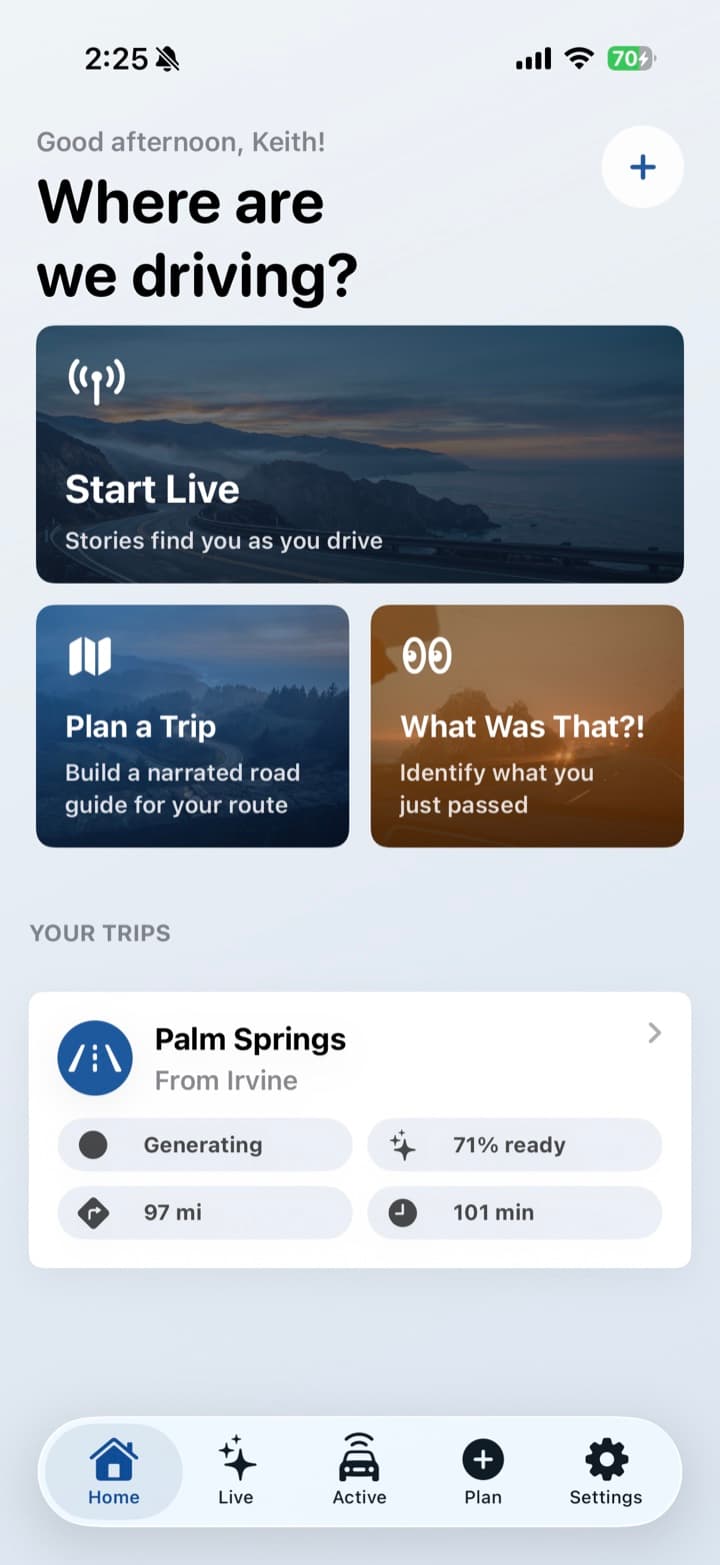
Get in and sign in
Install Passenger Seat and sign in with Apple. Location access is what lets it notice the places you pass. After that, there is no account to manage.
Passenger Seat is a location-aware audio guide for the car. You turn it on, set the phone down, and hear the history and landmarks you would otherwise pass right by.
Install Passenger Seat and sign in with Apple. Location access is what lets it notice the places you pass. After that, there is no account to manage.
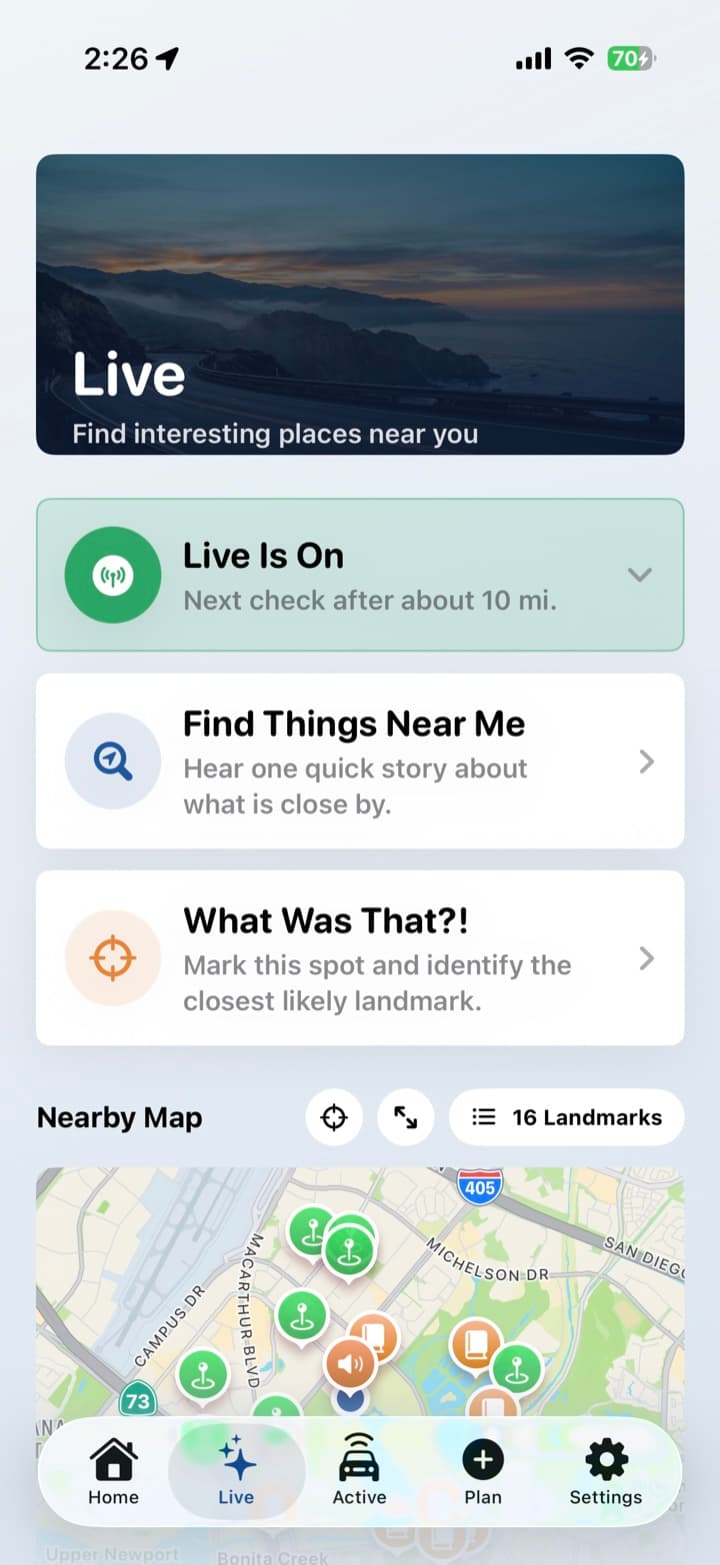
Open the Live tab and turn it on. Set the phone down. From here the app is hands free: it talks when there is something worth saying, and it waits when you stop.
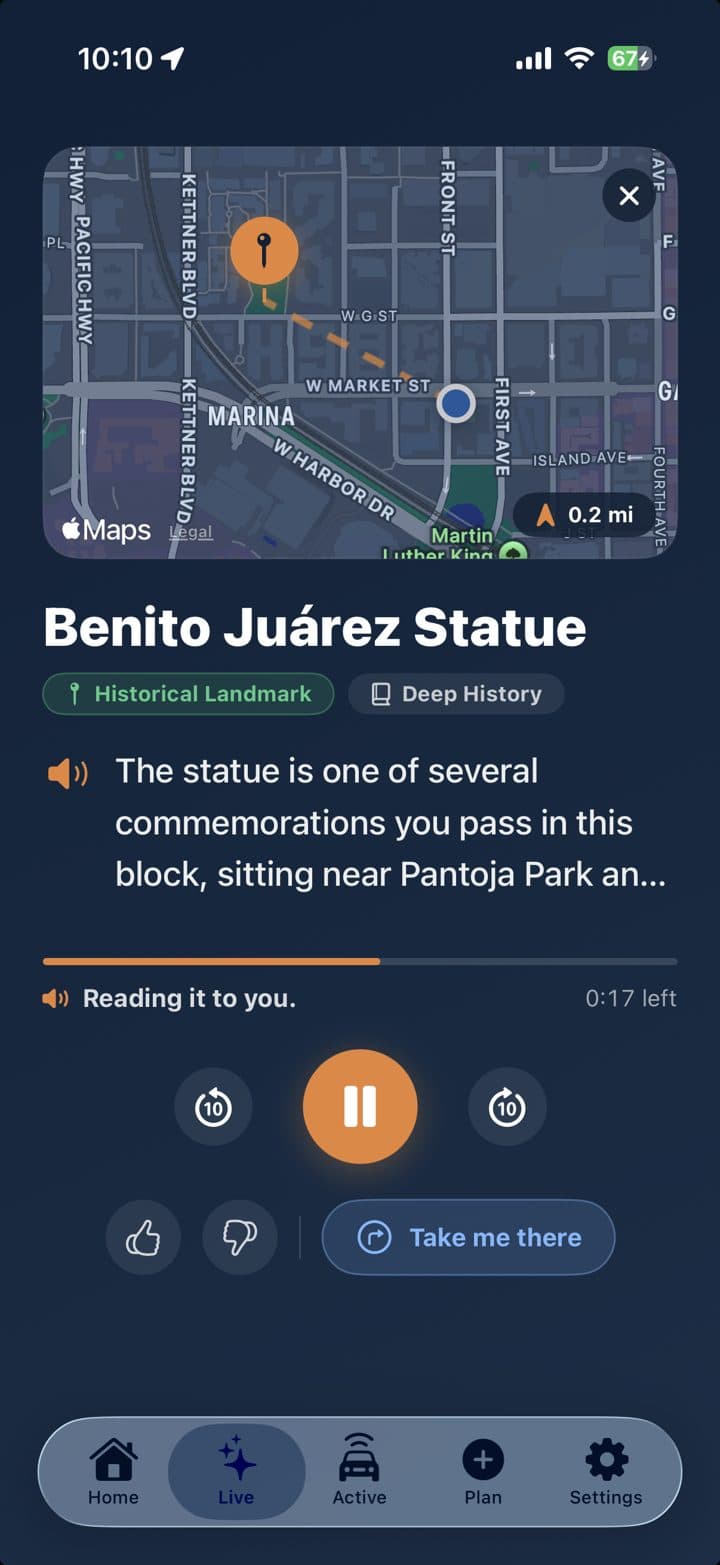
Towns, landmarks, and history get a short story as you reach them. You can pick a story style before you leave, or leave it on the default and just drive.
The everyday mode. No route to pick, no tour to buy. Live watches where you are and narrates the stretch in front of you. A commute, a detour, and a cross-country day all start the same way.
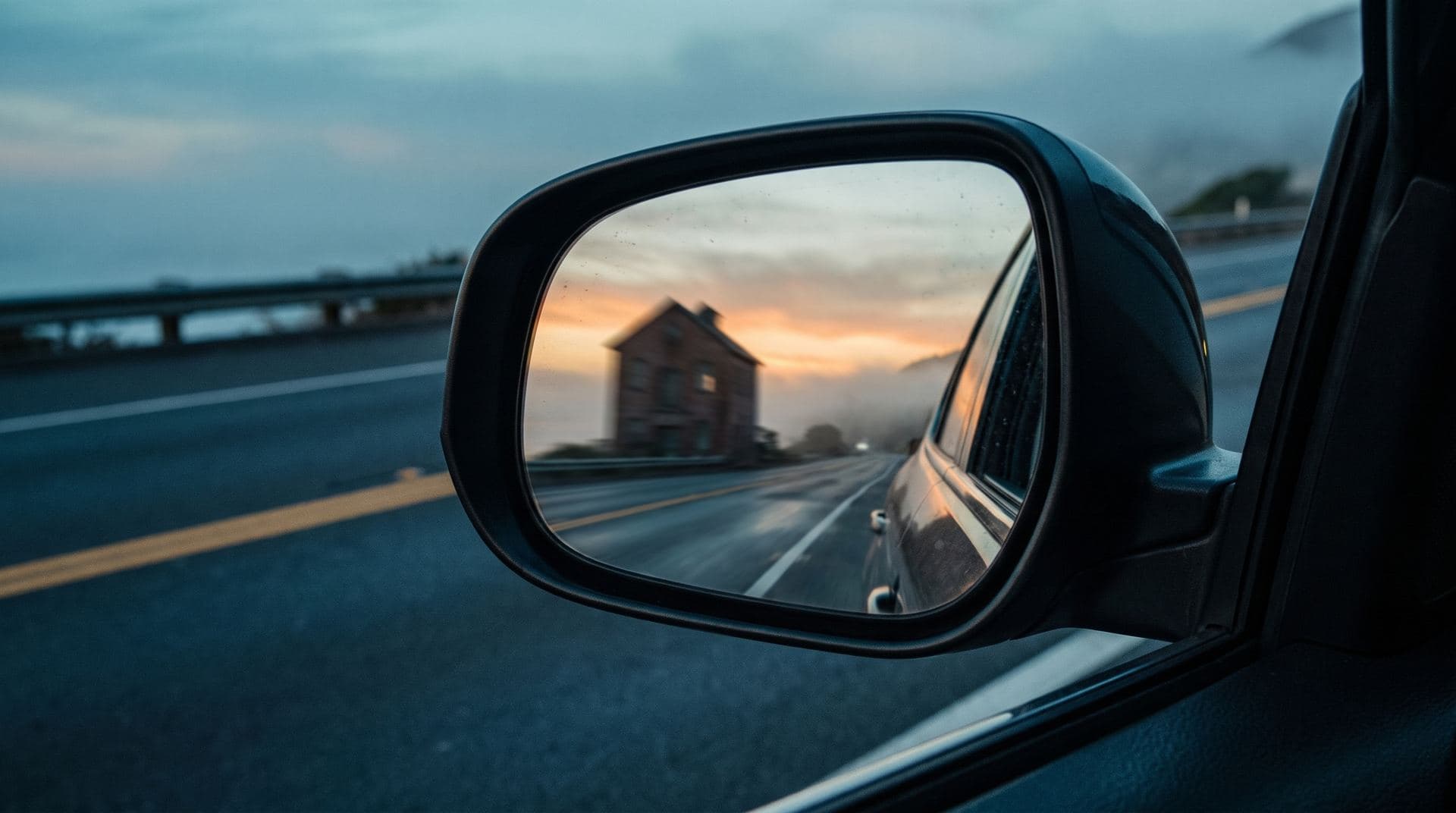
For the thing you just drove past. One tap, and Passenger Seat looks at where you are and what you just went by. Built for the monument, mill, or odd building that disappeared in the mirror.
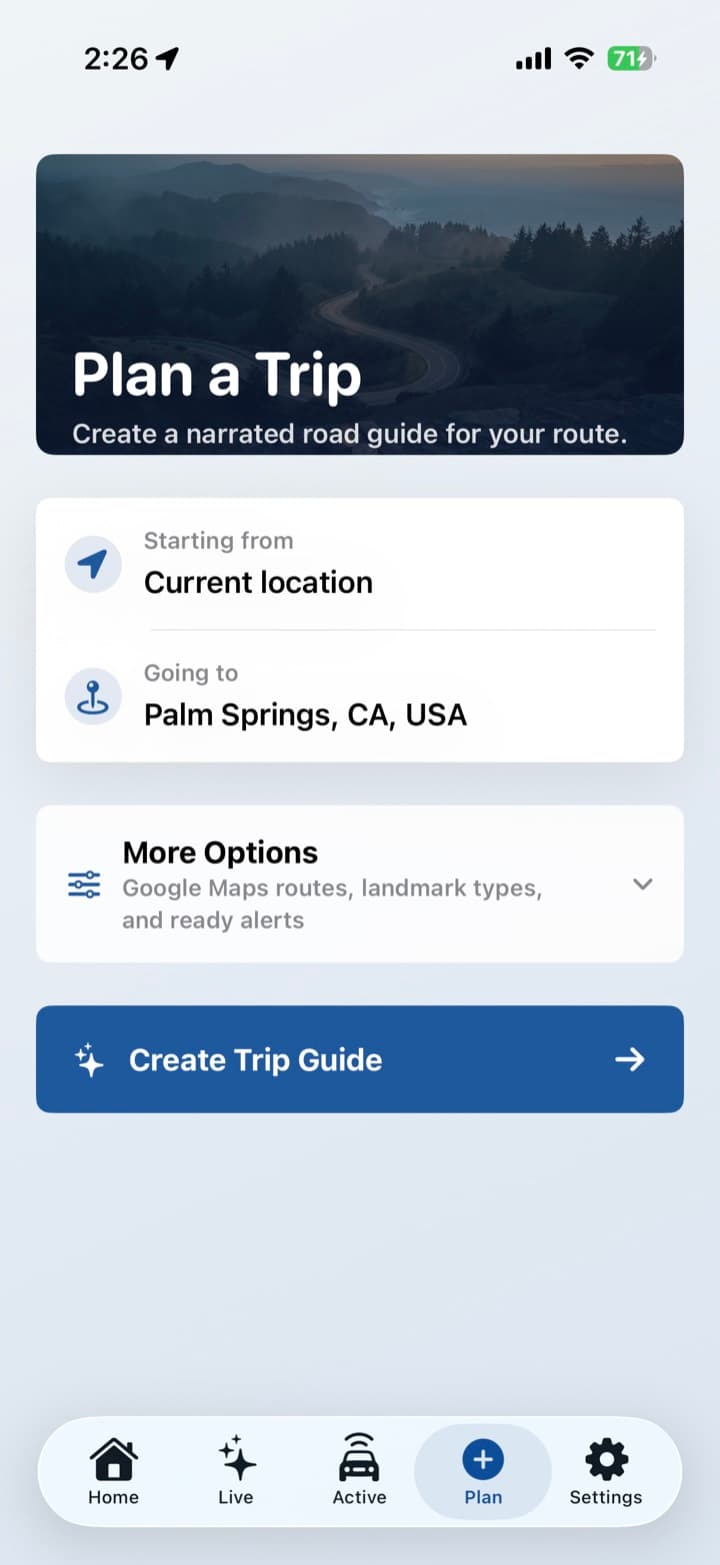
For a drive you already know is coming. Line up the route the night before, download the audio, and press play when you leave. This is the mode for parks and long empty stretches with no signal.
Want the full list of what it can do? See Features.

Passenger Seat does not tell you which exit to take or where to park. Keep Apple Maps, Google Maps, or the nav you already use. The job here is the story of the place, not the next lane change.
Apps like GuideAlong and Shaka Guide sell a recorded tour for a specific park or scenic drive. Those are excellent on the roads they wrote. Passenger Seat is for the rest of the miles, including roads nobody recorded.
You can open Live with nowhere particular to go. That is the point of a Tuesday commute and a Sunday wander. If you do have a route, Plan a Trip is there.
Comparing a bought park tour to this? Start with the alternatives.
The phone uses your location to play a story when you reach a place. Some apps play a tour someone already recorded for one route. Passenger Seat writes a short story for the road you are on, then reads it out loud through the car speakers.
Turn on Live and drive. The app notices landmarks and towns as you pass them and narrates a short story, hands free. Tap What Was That?! if you just missed something. Plan a Trip if you want the stories ready before you lose signal.
No. Live works without a destination. Plan a Trip is optional, and it is the right move when you already know the drive and may lose cell service.
No. It does not replace your navigation app. It sits alongside Maps and talks about the places you pass while you keep using the directions you already trust.
Live needs a connection to find a new story. Plan the trip and download the audio before a national park or a long empty stretch. Once the audio is saved, that drive still plays offline.
Yes, once Live is on. Stories play on their own. You only pick the phone up if you want What Was That?!, a different story style, or to mute.
Passenger Seat is free to download. The first 50 discoveries are on us.